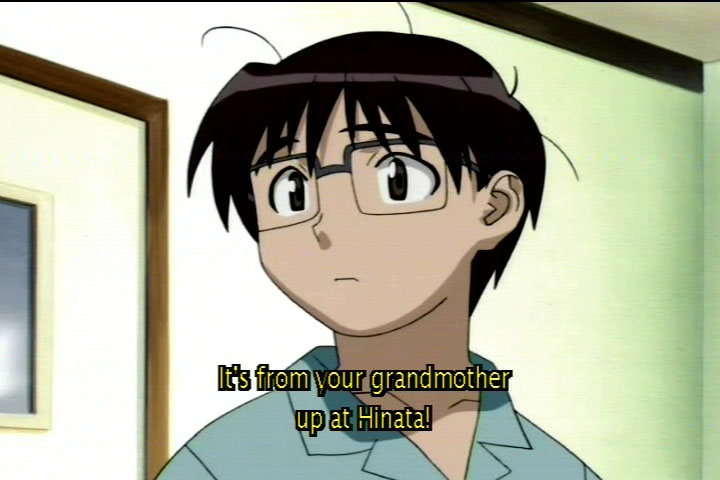
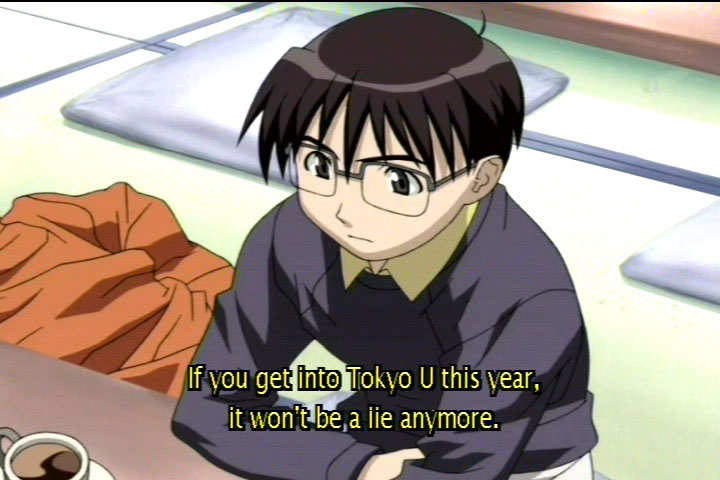
| The subtitles have scattered holes and extra dots.
I found that letters such as 'l' and 'H' had black dots breaking up the yellow body. a lower case 'l' next to an 'i' looked almost like a double 'i', and it's not an analog smearing or distortion. I've watched parts on two different displays and two vastly different DVD players and found the same results.
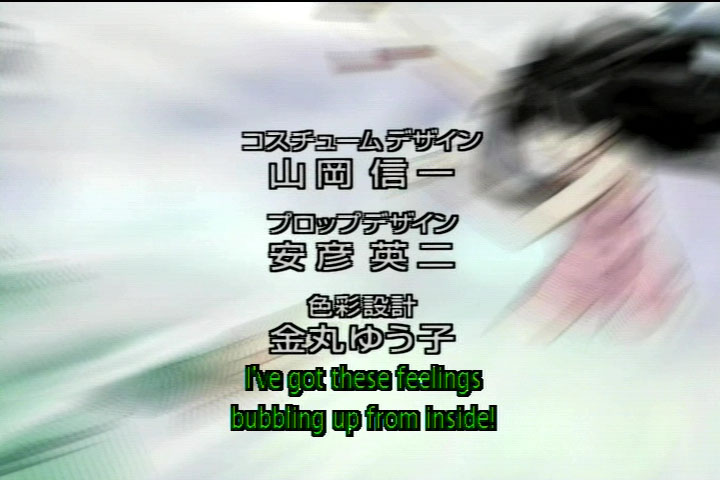
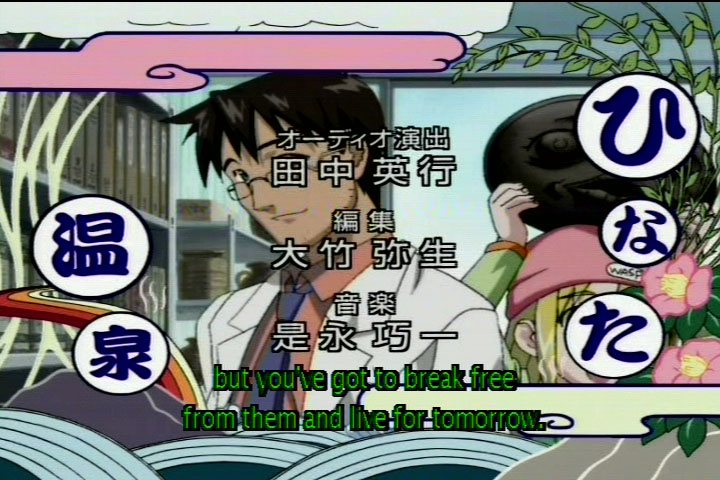
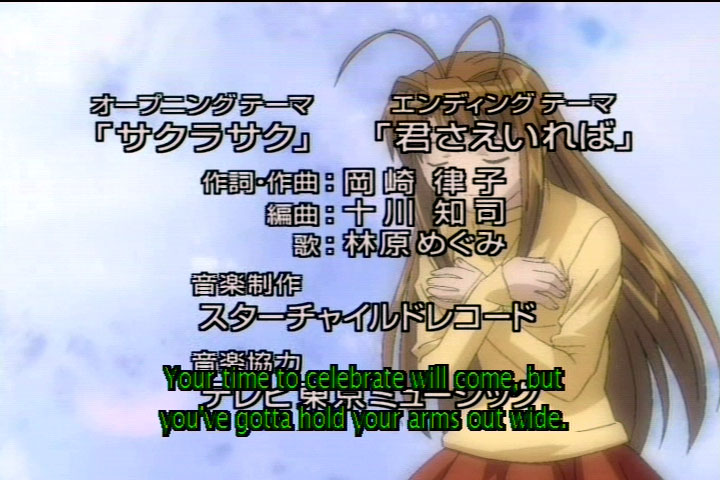
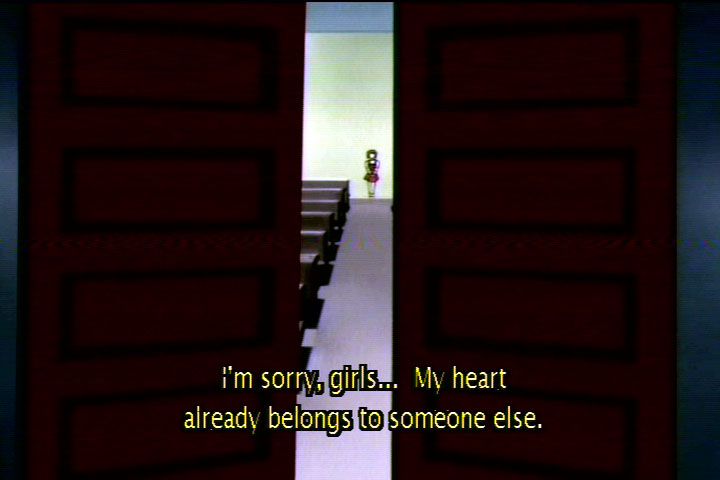
I made screen captures of a few instances, click the link to see the picture. Note that some pictures are up to 115kB in size and may take a bit to load.
Look for a hole in an 'e', 'p' and 'g' here.
In fact, every double 'e' combination I saw had a gaping hole in the lower part second 'e':
"feel" on ep 1, 0:22, opening
"feel" on ep 1, 0:31, opening
"feelings" on ep 1, 0:42, opening
"free" 0:54, opening
Episode 1, 0 minutes, 52 seconds.
Episode 1, 0 minutes, 56 seconds.
Look for stray black in the capital 'I' and stray yellow dots around and between letters near some of the 'r's and 'e's here.
Every capital 'H' that I remember seeing looks like the one in here.
At 17:18 is a kicker, "lie" looks like "iie".
Test equipment: Pioneer DVL-700 s-video out, Panasonic RP-56 DVD players s-video and component out, Sony Wega 27" KV-27FV16 using interlaced component and svideo in, NEC MT1040 XGA LCD projector to a 16 foot (200") diagonal screen using s-video, interlaced component and progressive component, MMAC "Osprey 100" Bt8x8 based PCI video capture card, using s-video. The captured frames are of somewhat lower quality than the images on my other video screens.
And all of these shots are from the first opening and parts of the first episode. I think I made my point sufficiently, but this list is NOT exhaustive and there are many other places I noticed these sameproblems.
|