| Problem 1: | Some discs were poorly replicated, causing lockups and pixilization in some players. Apparently the DVD checking machine at the replicator failed to reject bad discs. |
| Workaround: | exchange the faulty discs |
| Discs Affected: | many first pressing discs, maybe others, see AnimEigo's site |
| Players Affected: | many, but word is that Pioneer and Sony players seem a bit more robust in this case. |
| Severity: | 2-3, the release delays are annoying, but I am very pleased that AnimEigo is taking steps to stomp out the problem before they ship more. Personally I would nominate them for the "Skuld" award. I'd award it to them but the copyright holder wouldn't let me even if I asked. |
|
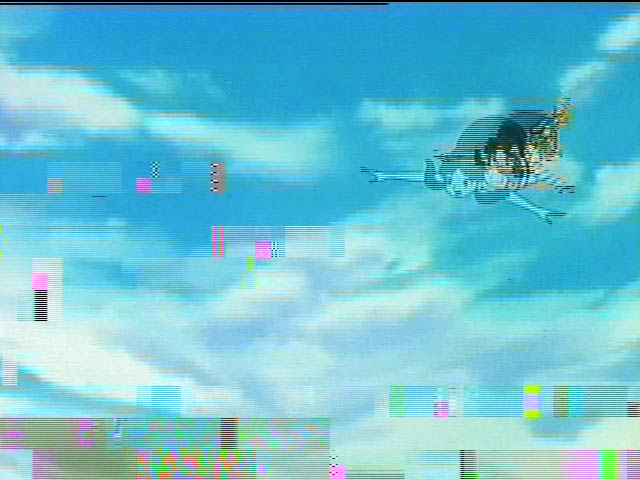
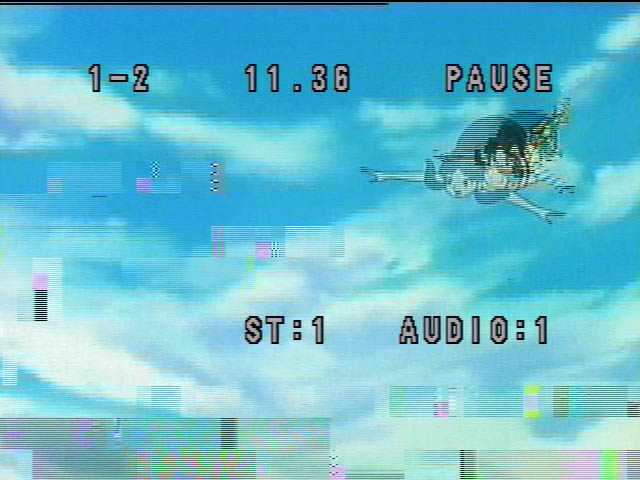
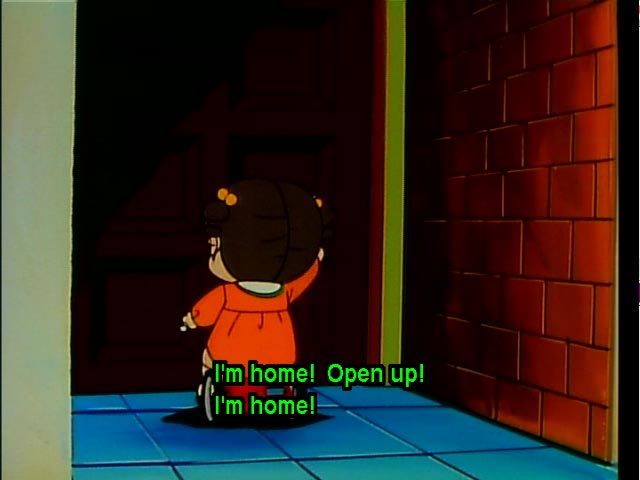
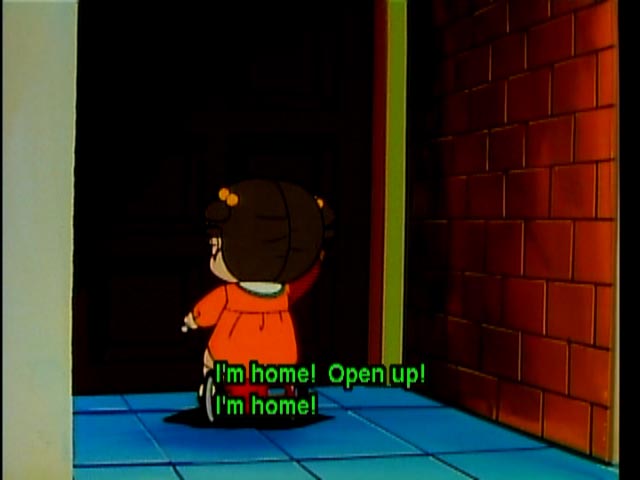
| Problem 2: | The non-coffee ring version of volume 2 have a bad field / frame, at title 1, chapter 2, time index 11.36. Here are two images captured. A capture of the bad frame. Same but with display info. Note that the appearance of the glitch is different on a player basis. The "coffee ring" version of the same disc works fine for everyone that noted a problem with the "clean" disc.
|
| Workaround: | Play the coffee ring version instead. |
| Discs Affected: | many? It seems some good discs left the factory, as two people owning the same model player but different copies of the same disc don't see it. |
| Players Affected: | many, so far noted are Pioneer DVL-700, Pioneer 626D, Sony DVP-S300, Toshiba 3109, many others. |
| Severity: | 1, one frame of a four episode disc is bad. Whoopie. Some people don't notice it unless they look very hard to find it, and their player just behaves strangely when trying to step through this segment. |
|
| Problem 3: | Fixed volume 2's autoplay doesn't work on some players, sometimes parental lock is active for all level settings. |
| Workaround: | Press play on the remote or the player. Turn your parental lock off or set to adult. When the player rejects the disc, hit "menu" and you should be able to play it if your player is set to PG-13 or above. |
| Discs Affected: | many? Volume 2 definitely, maybe other volumes as well. |
| Players Affected: | many, so far noted is the Pioneer DVL-700. The Apex AD-600A gets its parental lock feature tripped, but the menu button works arround it. |
| Severity: | 1-2 (I wouldn't expect a recall here) |
|
| Problem 4: | Some RCA and Panasonic based players, as well as a few others, get ornery and make the video frames really blocky. |
| Workaround: | try asking for new firmware or a different player. Clean the disc. Ask for a replacement if you have "bubbles" and "coffee stains" noted in problem #1. |
| Discs Affected: | I'm not sure which volumes, except I know volume 1 is one of them. |
| Players Affected: | RCA, Thompson and Proscan players are affected. Possibly other brand DIVX players as well. Panasonic's A110, A310, Sony's DVP-S300, Yamaha's S700 seem noted for this problem too. My conjecture is that because UY uses extraordinarily high bitrates, some players can't quite cut the data flow well. |
| Severity: | 3-5 if this affects you. |
|
| Problem 5: | For volume 1, the left channel plays noticably louder than the right on some systems. |
| Workaround: | try asking for new firmware or a use different player |
| Discs Affected: | All volume 1 discs? Volumes 2-5 seem unaffected. |
| Players Affected: | Unknown, it doesn't affect my system. |
| Severity: | 2-3 if this affects you. |
|
The people that found this problem are too many to list. I noted problems 2 & 3 just to be thoughrough. I still love my set, I don't believe problems 2 & 3 merit a recall at all as the disc still functions and I never really liked autoplay anyways, but that is a personal preference, and is an insigificant issue to me.